
Exiting the linkage feature of your smartphone
You need to exit the linkage feature of your smartphone when you want to display the setting menu of the glasses (this product), etc.
Tip
When a Snapdragon Spaces-compatible app (other than the MiRZA app) is running, exit the app to return to the MiRZA app. If you cannot return to the MiRZA app, tap the “Connected” notification on the notification area of your smartphone to launch the MiRZA app.
-
-
Tap [Exit] on the control screen of the MiRZA app.
-
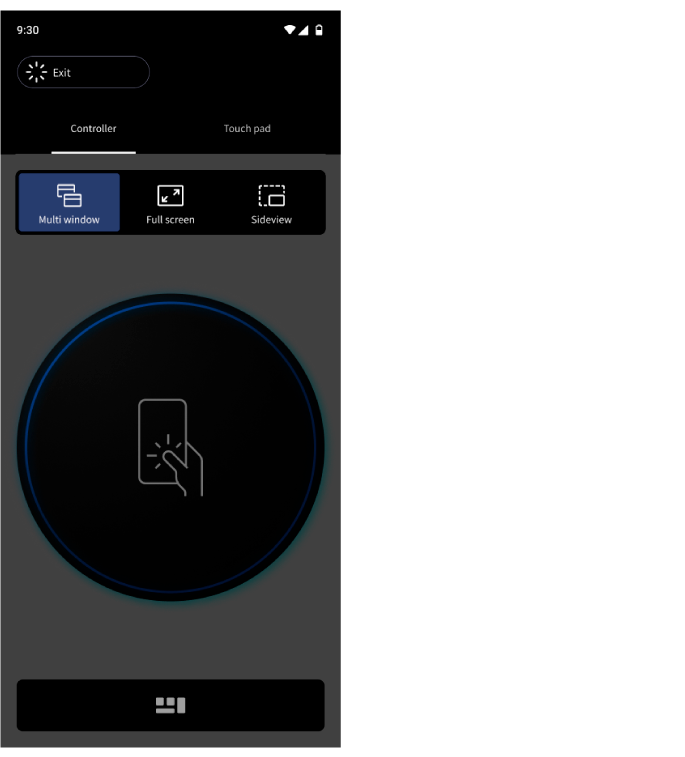
The confirmation dialog appears on the MiRZA app.
-
-
-
Tap [OK] on the control screen of the MiRZA app.
-
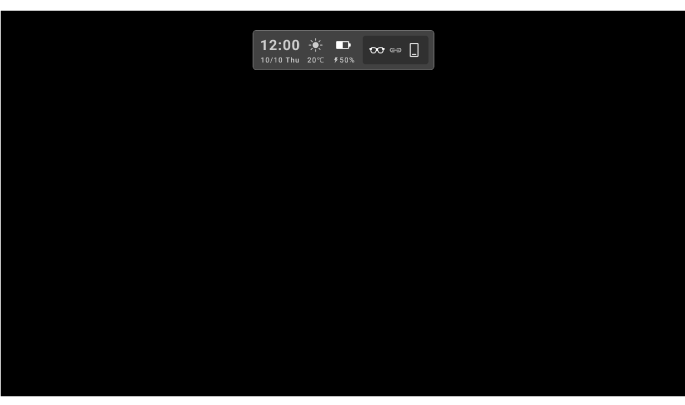
The standby screen appears after you exit the linkage feature of your smartphone.
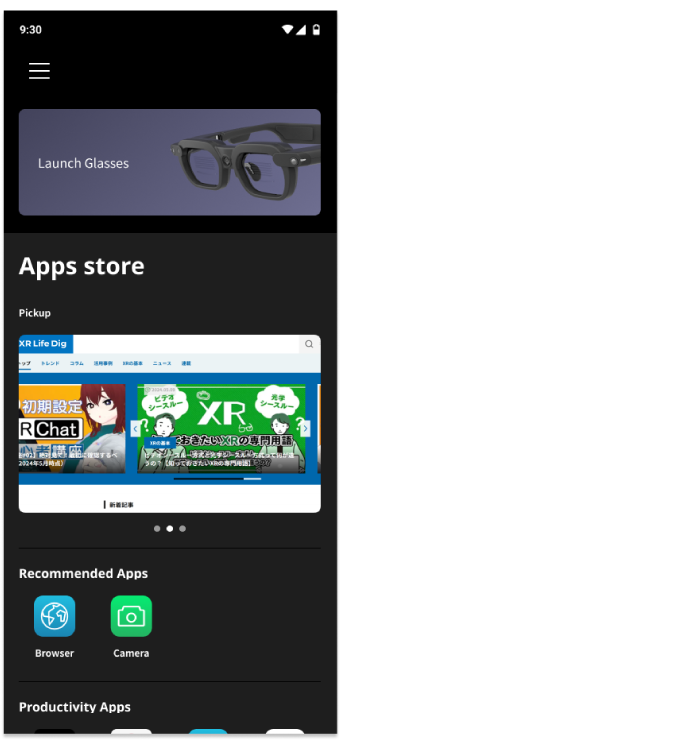
The app top screen appears on the MiRZA app.
-
Tip
You can start the linkage feature with your smartphone again by tapping [Launch Glasses] on the app top screen.
You may not be able to start that immediately. Wait for a while and operate that again.
Related Topic